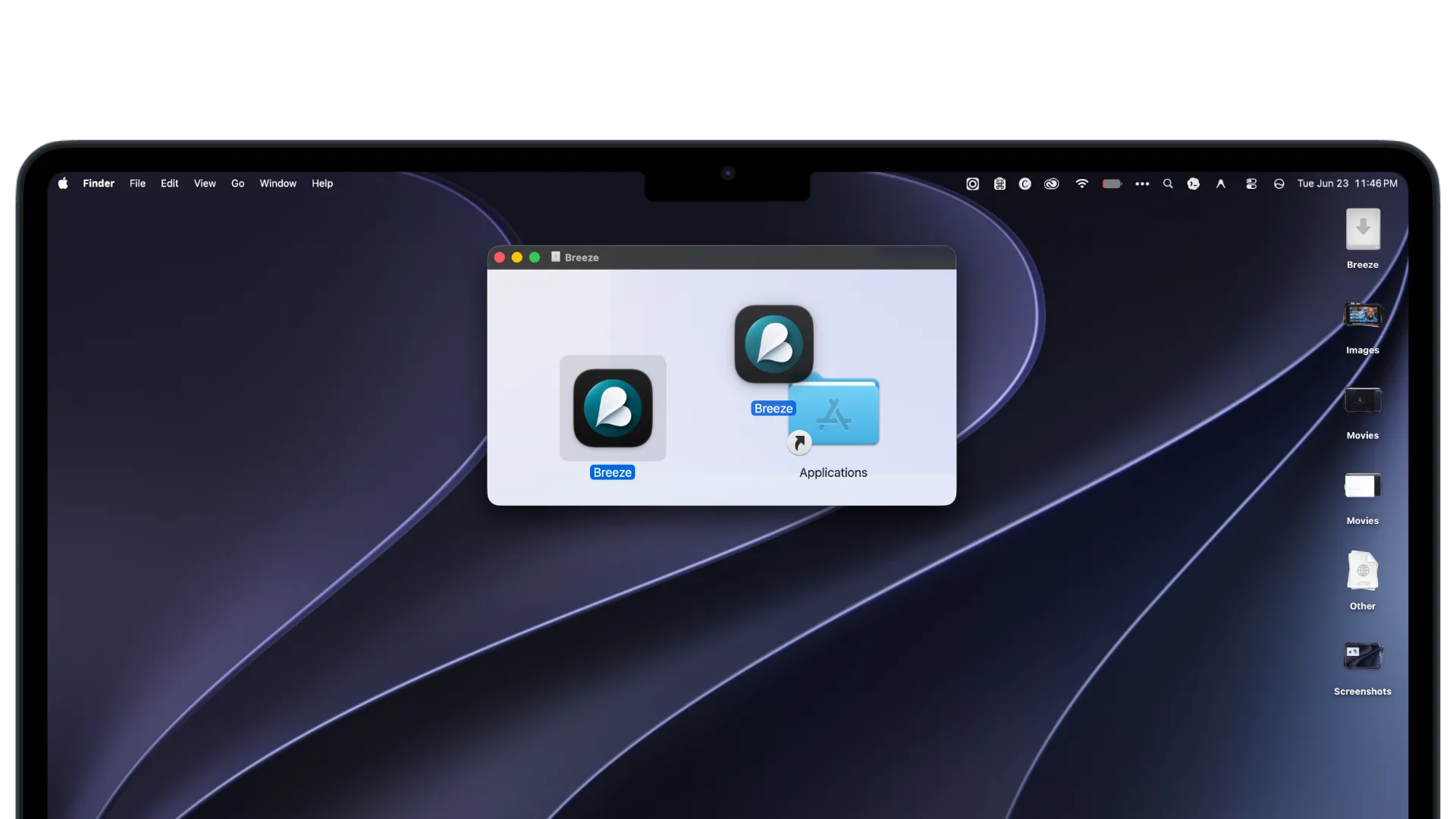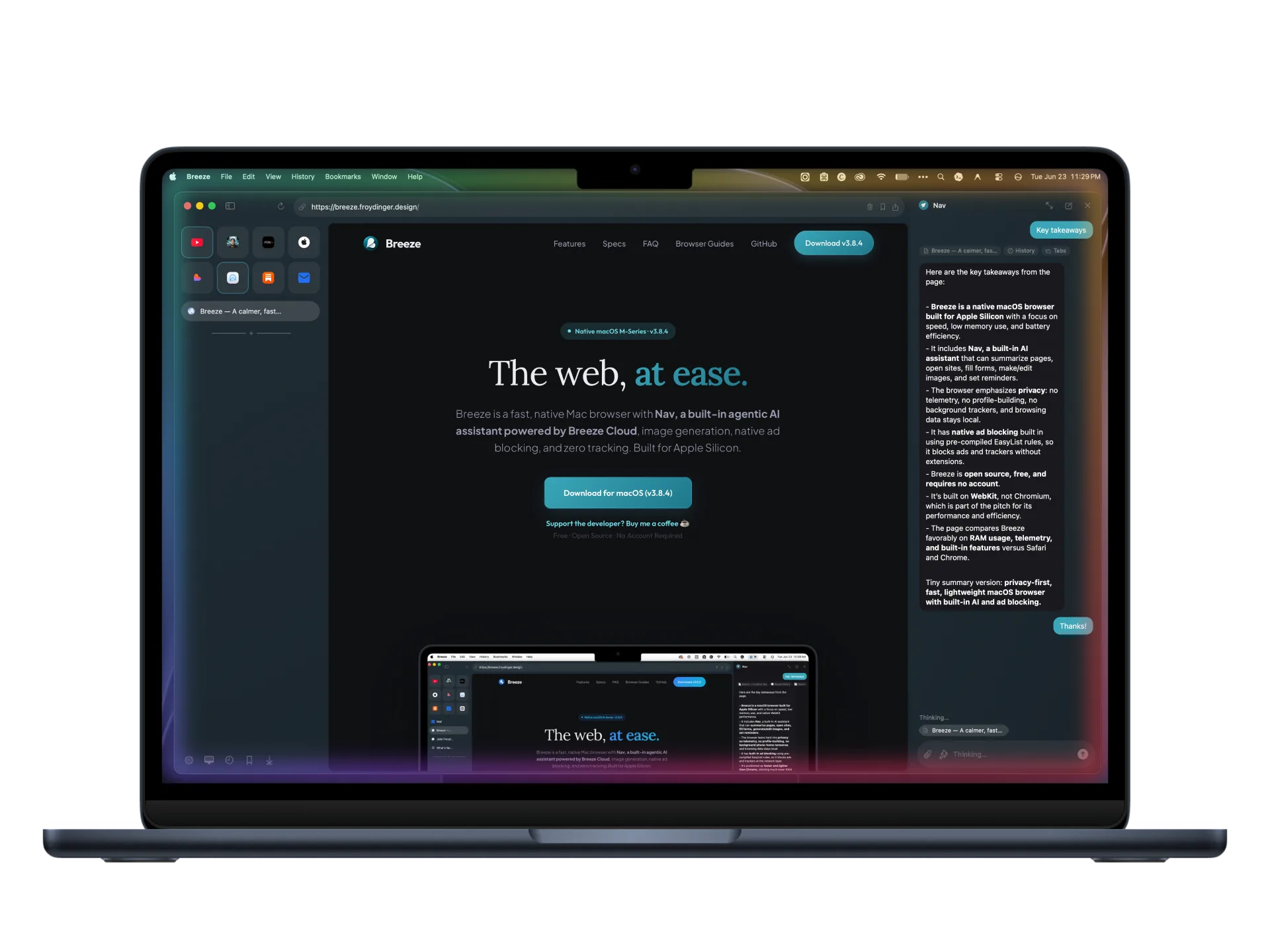
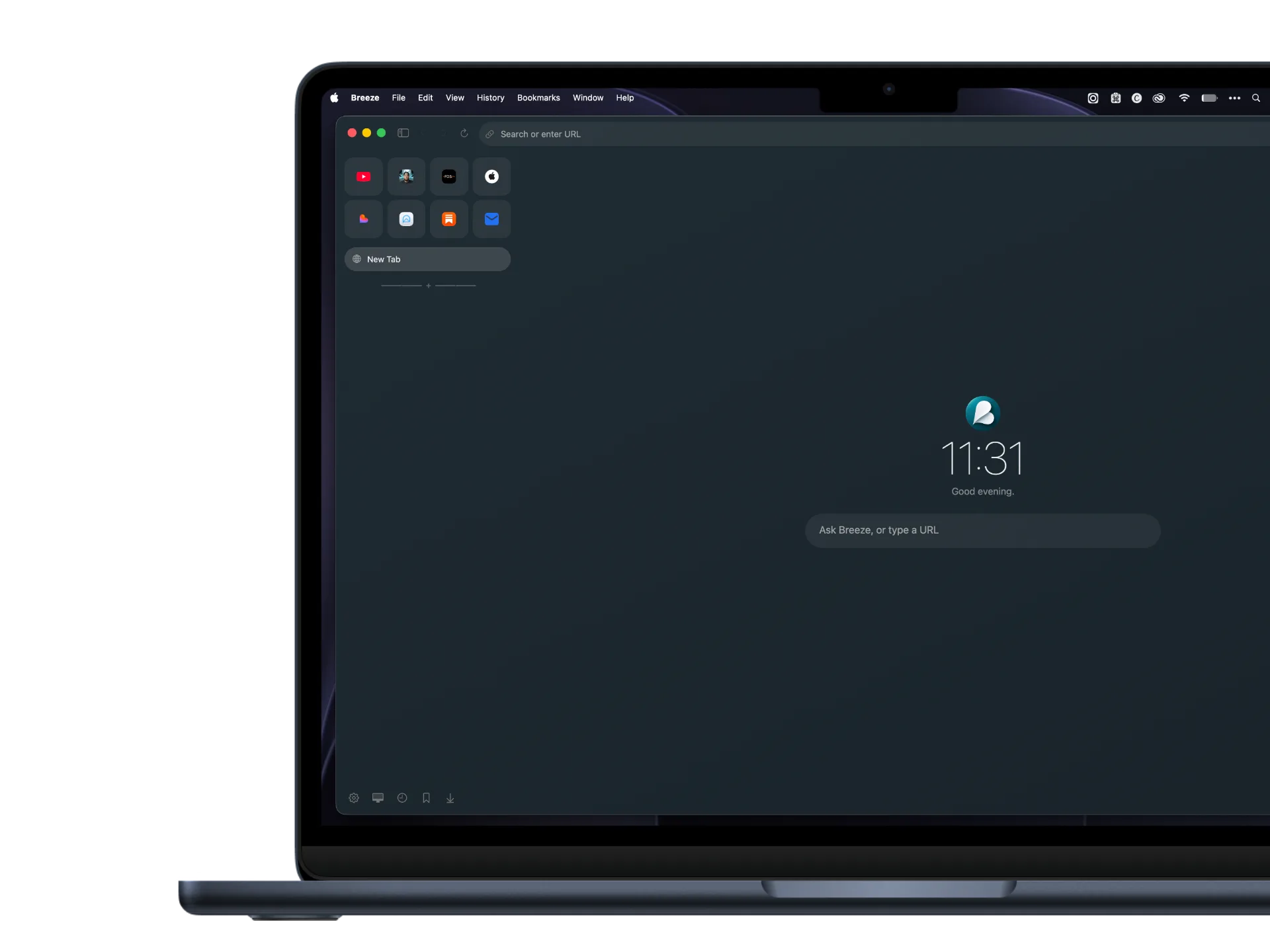
Breeze is a fast, native Mac browser with Nav, a built-in AI assistant for the page in front of you, research summaries, image tools, native ad blocking, Apple password autofill, and zero tracking. Built only for Apple Silicon.
Breeze has no telemetry, no profile-building, and no ad-tech logging. Your browsing data stays local to your Mac, while native Apple passwords and passkeys stay encrypted in macOS Keychain with no separate Breeze password cloud.
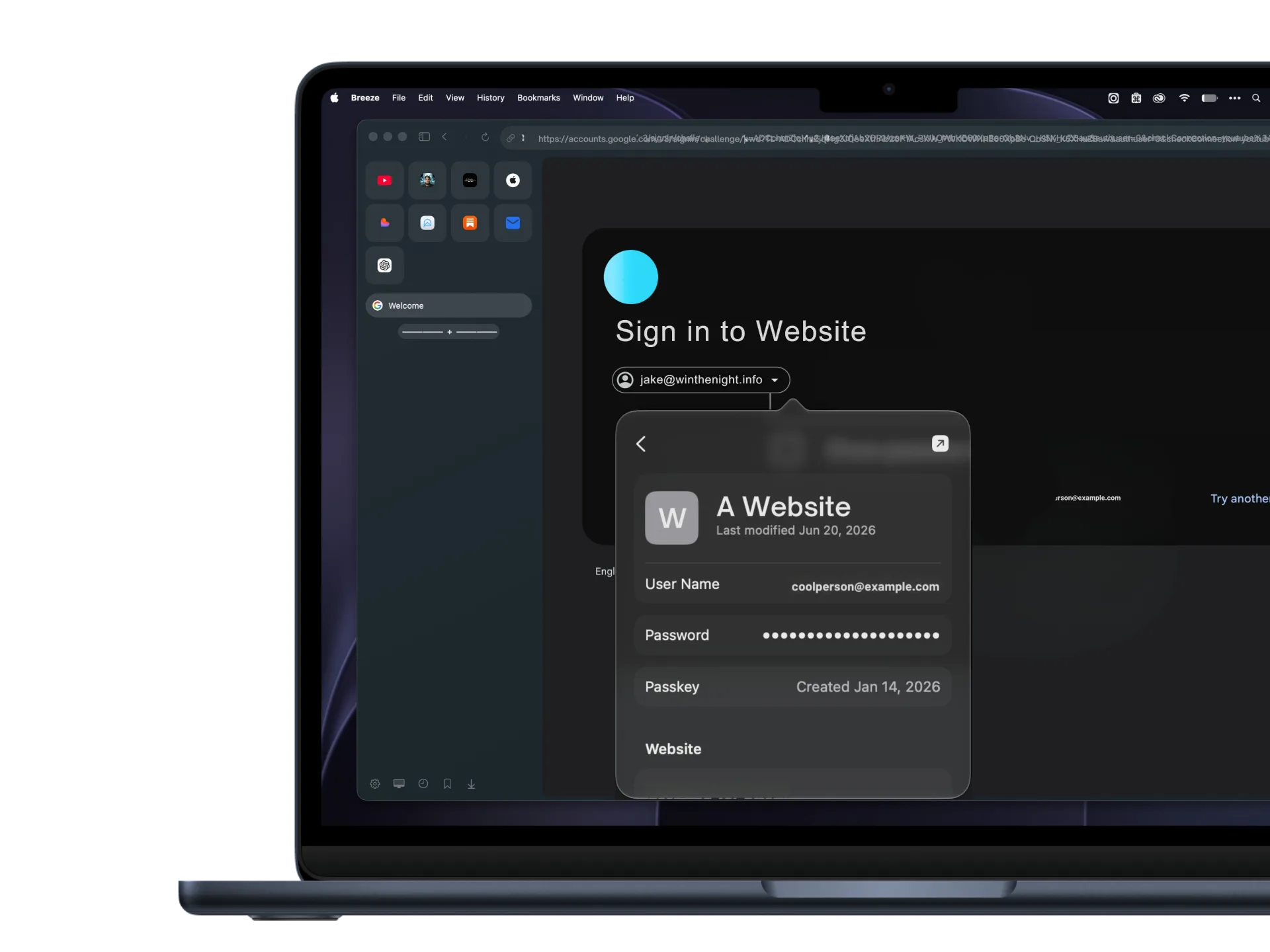
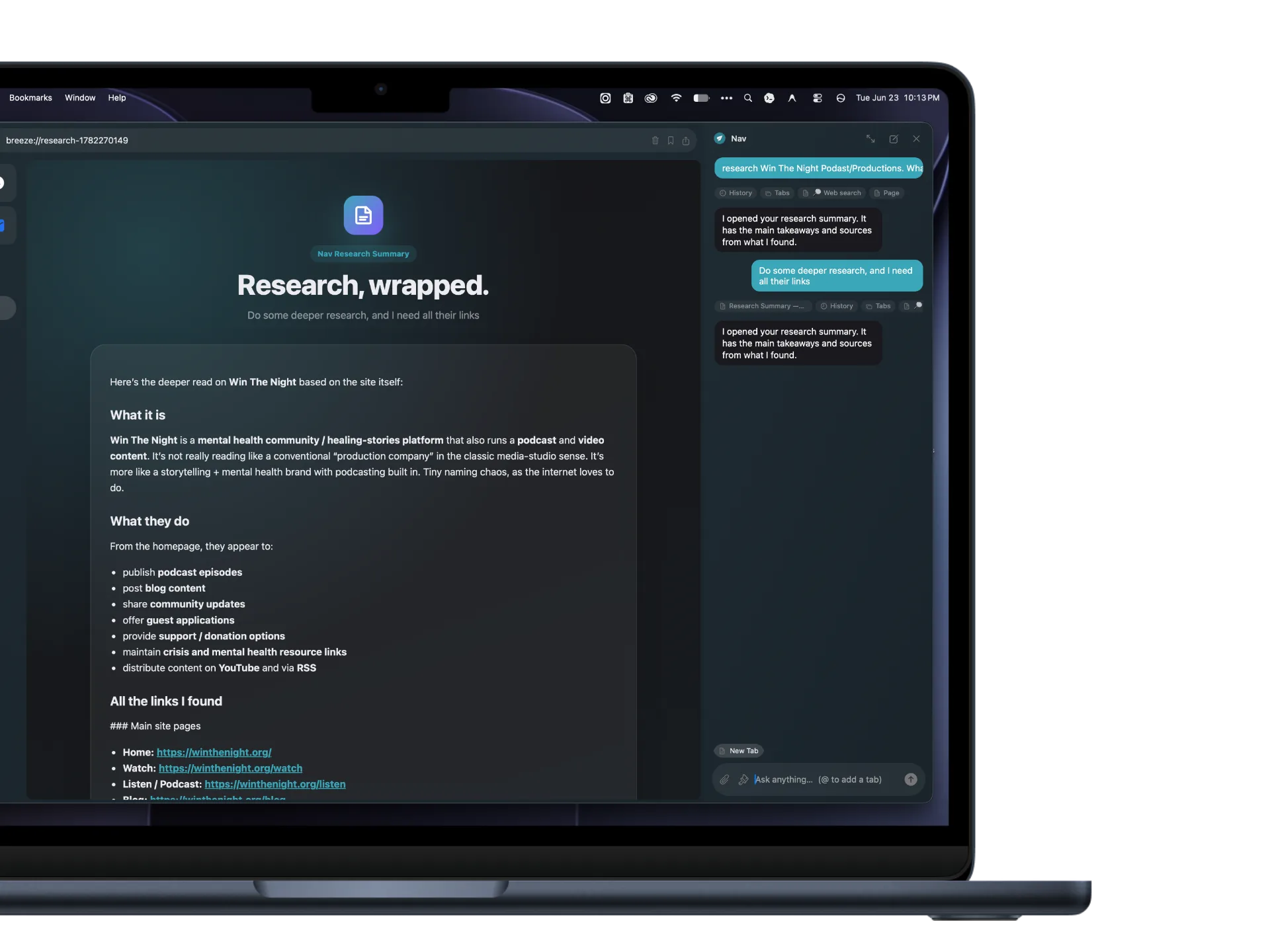
Nav can read the page you are viewing because that is what makes it useful. Broader context, like history, bookmarks, tabs, attachments, or saved chat memory, is controlled separately in Settings.
Nav is built into Breeze, so you can ask about the page, research a topic, summarize long transcripts, open sites, fill forms, make images, edit images with context, or set reminders without relearning how to browse.
Breeze avoids Chromium overhead by building directly on Apple’s native WebKit engine. That means fast launch, low memory use, and better battery behavior on Apple Silicon.
EasyList filter rules are pre-compiled and run directly inside WebKit. Blocks ads, popups, and tracker scripts at the network layer before they even download.

A direct comparison of core features and platform integration.
| Feature | Breeze | Safari | Chrome |
|---|---|---|---|
| Core Engine | Native WebKit | Native WebKit | Chromium / Blink |
| Built-in Browser AI | Nav: page-aware research + images | Apple Intelligence | None (Cloud AI) |
| Native Content Blocking | Pre-compiled EasyList | Requires Extensions | Manifest V3 Restricted |
| Telemetry & Profile-Building | Zero | Minimal | High Telemetry |
| Split Screen browsing | Built-in slider | No (Multiple windows) | Requires extensions |
| Typical Memory Use, Light Browsing | ~150 MB | ~200 MB | ~1,200 MB |
| Open Source License | MIT License | Proprietary | Proprietary (Chromium open) |
Yes. Breeze is completely free and open-source. There are no registration forms, no cloud accounts, and no paid tiers. Nav uses daily fair-use limits so Breeze Cloud stays reliable: 30 chat requests and 10 image generations or edits per day.
Nav is Breeze’s built-in browser assistant. It can read the page you are viewing, search the web, create research summary pages with sources, work with context you allow, click, type, make images, download images, and set reminders. Details are in the Privacy Policy and Terms.
No. Breeze keeps the Mac-native WebKit feel people like about Safari, then adds built-in Nav AI, research summaries, native ad blocking, split browsing, image tools, and clearer privacy controls. Chrome is powerful, but it is built around Chromium and Google’s ecosystem; Breeze is lighter, Mac-only, and has no telemetry or profile-building.
Breeze has an internal native auto-updater that periodically checks the GitHub Releases API. When a new version is published, the app prompts you to download and relaunch, keeping you up to date instantly.
Requires macOS 14.0 or newer (Apple Silicon M1/M2/M3/M4). See the changelog for the latest version notes.